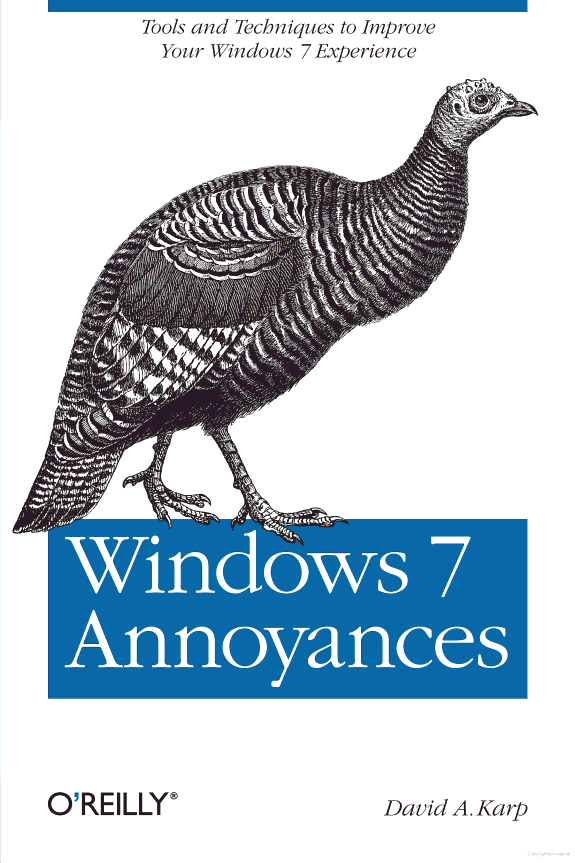
Windows 7 Annoyances
Tips, Secrets, and Solutions
by David A. Karp
722 pages· 2010· ISBN 9781449390655
About
Windows 7 may be faster and more stable than Vista, but it's a far cry from problem-free. David A. Karp comes to the rescue with the latest in his popular Windows Annoyances series. This thorough guide gives you the tools you need to fix the troublesome parts of this operating system, plus the solutions, hacks, and timesaving tips to make the most of your PC. Streamline Windows Explorer, improve the Search tool, eliminate the Green Ribbon of Death, and tame User Account Control prompts Explore powerful Registry tips and tools, and use them to customize every aspect of Windows and solve its shortcomings Squeeze more performance from your hardware with solutions for your hard disk, laptop battery, CPU, printers, and more Stop crashes, deal with stubborn hardware and drivers, fix video playback issues, and troubleshoot Windows when it won't start Protect your stuff with permissions, encryption, and shadow copies Secure and speed up your wireless network, fix networking woes, make Bluetooth functional, and improve your Web experience Get nearly all of the goodies in 7 Ultimate, no matter which edition you have "Blunt, honest, and awesome." --Aaron Junod, Manager, Integration Systems at Evolution Benefits "This could be the best [money] you've ever spent." --Jon Jacobi, PC World "To use Windows is to be annoyed -- and this book is the best way to solve any annoyance you come across. It's the most comprehensive and entertaining guide you can get for turning Windows into an operating system that's a pleasure to use." --Preston Gralla, author of Windows Vista in a Nutshell, and Computerworld contributing editor
Discuss Windows 7 Annoyances with other readers
Join or start a book club for Windows 7 Annoyances on Readfeed. Live chat, shared reading progress, and AI discussion questions — free to get started.
Frequently asked questions
How do I join a book club for Windows 7 Annoyances?
Sign up free on Readfeed, then browse public clubs or start your own club with Windows 7 Annoyances as the current read. Invite friends with a share link and discuss together with live chat and AI discussion questions.
Can I discuss Windows 7 Annoyances with other readers online?
Yes. Readfeed book clubs let you chat live, share progress, and join discussions about Windows 7 Annoyances with readers worldwide — whether your club is virtual, in-person, or hybrid.
Is Readfeed free?
Yes. Creating an account and joining book clubs is free. Sign up to find readers who love the same books and start discussing today.