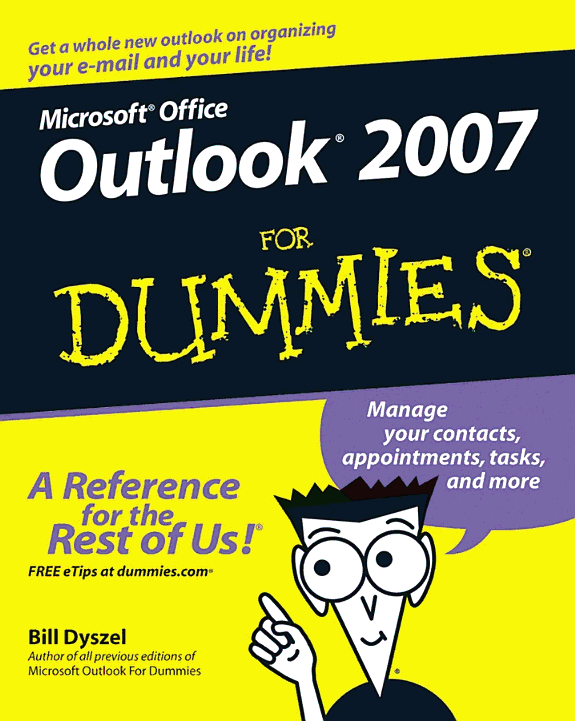
Outlook 2007 For Dummies
by Bill Dyszel
384 pages· 2011· ISBN 9781118043882
About
Most users take advantage of only two percent of Outlook's power; this book shows them how to harness frequently overlooked tricks and techniques that can significantly boost productivity Shows how to manage time and information in the new interface, covering instant searches, the To-Do bar, color categories, and task integration with OneNote, Project, Access, and Windows SharePoint Services Explains how to connect across boundaries with access to WSS data, two-way sync and offline access, calendar sharing, smart scheduling, RSS support, electronic business cards, and the improved out-of-office assistant Demonstrates how to stay safe and in control with the improved spam filter, anti-phishing capabilities, e-mail postmark features, e-mail folder organization, and information rights management
Discuss Outlook 2007 For Dummies with other readers
Join or start a book club for Outlook 2007 For Dummies on Readfeed. Live chat, shared reading progress, and AI discussion questions — free to get started.
Frequently asked questions
How do I join a book club for Outlook 2007 For Dummies?
Sign up free on Readfeed, then browse public clubs or start your own club with Outlook 2007 For Dummies as the current read. Invite friends with a share link and discuss together with live chat and AI discussion questions.
Can I discuss Outlook 2007 For Dummies with other readers online?
Yes. Readfeed book clubs let you chat live, share progress, and join discussions about Outlook 2007 For Dummies with readers worldwide — whether your club is virtual, in-person, or hybrid.
Is Readfeed free?
Yes. Creating an account and joining book clubs is free. Sign up to find readers who love the same books and start discussing today.