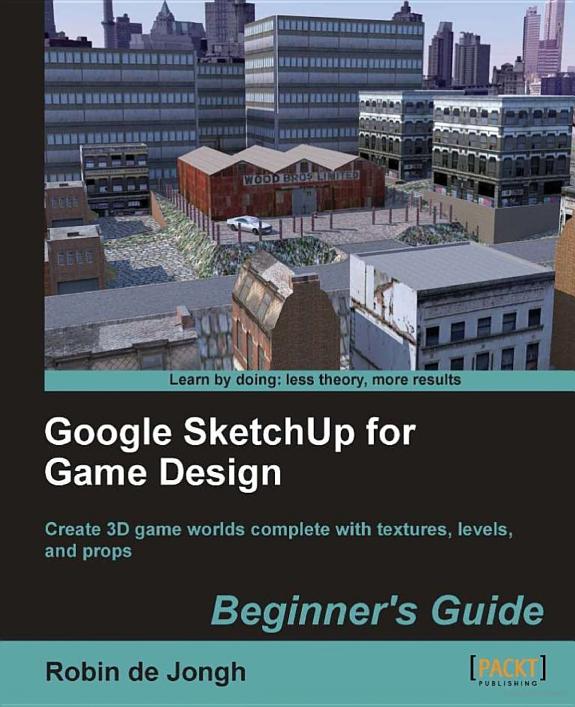
Google SketchUp for Game Design

Google SketchUp for Game Design

Beginner's Guide : Create 3D Game Worlds Complete with Textures, Levels, and Props

by Robin De Jongh

254 pages· 2011· ISBN 9781849691352
About
Annotation Creating video game environments similar to the best 3D games on the market is now within the capability of hobbyists for the first time, with the free availability of game development software such as Unity 3D, and the ease with which groups of enthusiasts can get together to pool their skills for a game project. The sheer number of these independent game projects springing up means there is a constant need for game art, the physical 3D environment and objects that inhabit these game worlds. Now thanks to Google there is an easy, fun way to create professional game art, levels and props.Google SketchUp is the natural choice for beginners to game design. This book provides you with the workflow to quickly build realistic 3D environments, levels, and props to fill your game world. In simple steps you will model terrain, buildings, vehicles, and much more.Google SketchUp is the ideal entry level modeling tool for game design, allowing you to take digital photographs and turn them into 3D objects for quick, fun, game creation. SketchUp for Game Design takes you through the modeling of a game level with SketchUp and Unity 3D, complete with all game art, textures and props. You will learn how to create cars, buildings, terrain, tools and standard level props such as barrels, fencing and wooden pallets. You will set up your game level in Unity 3D to create a fully functional first person walk-around level to email to your friends or future employers.When you have completed the projects in this book, you will be comfortable creating 3D worlds, whether for games, visualization, or films.

Discuss Google SketchUp for Game Design with other readers

Join or start a book club for Google SketchUp for Game Design on Readfeed. Live chat, shared reading progress, and AI discussion questions — free to get started.

Frequently asked questions

How do I join a book club for Google SketchUp for Game Design?

Sign up free on Readfeed, then browse public clubs or start your own club with Google SketchUp for Game Design as the current read. Invite friends with a share link and discuss together with live chat and AI discussion questions.

Can I discuss Google SketchUp for Game Design with other readers online?

Yes. Readfeed book clubs let you chat live, share progress, and join discussions about Google SketchUp for Game Design with readers worldwide — whether your club is virtual, in-person, or hybrid.

Is Readfeed free?

Yes. Creating an account and joining book clubs is free. Sign up to find readers who love the same books and start discussing today.