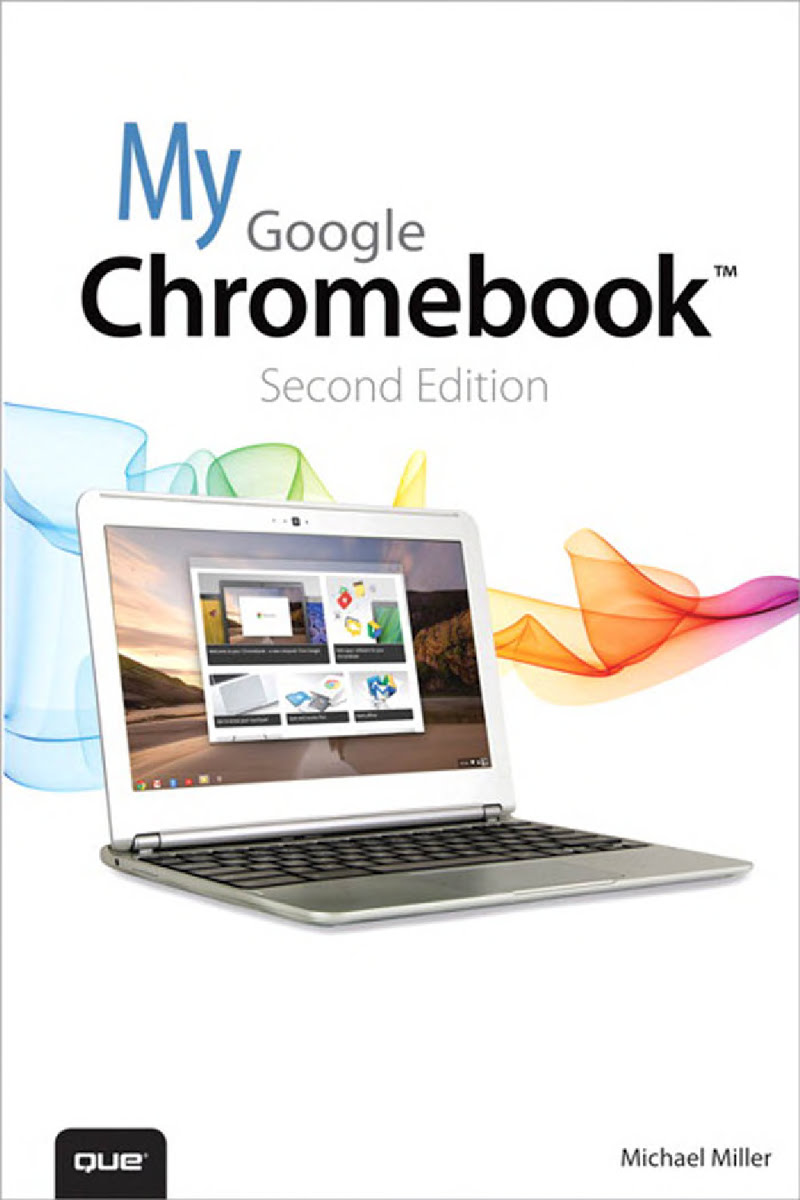
My Google Chromebook
by Michael Miller
288 pages· 2013· ISBN 9780133434286
About
Step-by-step instructions with callouts to new Google Chromebook photos that show you exactly what to do Help when you run into Chromebook problems or limitations Tips and Notes to help you get the most from your brand-new Chromebook Full-color, step-by-step tasks walk you through getting and keeping your Chromebook or ChromeboxTM working just the way you want. Learn how to: Quickly set up your Chromebook or Chromebox, log in, and get productive Get comfortable with Google’s intuitive new Chrome Desktop interface Reliably connect to Wi-Fi or Ethernet networks Use Google Drive to access files from your Chromebook or any other computer Securely share files with Facebook, Twitter, and Google+ followers or friends Play and edit photos, music, and video online Browse and search the Web with the Google Chrome browser Safely share your Chromebook with other users Get started with free or low-cost web-based office productivity software Build shared calendars, schedule meetings, and manage email Find great new apps for business, education, entertainment, gaming, and more Print to your printer across the Internet with Google Cloud Print Configure your Chromebook for maximum security and privacy Optimize your Chromebook’s performance and battery life Work and play faster with Chromebook’s built-in keyboard shortcuts Evaluate the new top-of-the-line Google Chromebook Pixel Troubleshoot and recover from frozen apps and other problems CATEGORY: PC Hardware COVERS: Google Chromebook USER LEVEL: Beginning-Intermediate
Discuss My Google Chromebook with other readers
Join or start a book club for My Google Chromebook on Readfeed. Live chat, shared reading progress, and AI discussion questions — free to get started.
Frequently asked questions
How do I join a book club for My Google Chromebook?
Sign up free on Readfeed, then browse public clubs or start your own club with My Google Chromebook as the current read. Invite friends with a share link and discuss together with live chat and AI discussion questions.
Can I discuss My Google Chromebook with other readers online?
Yes. Readfeed book clubs let you chat live, share progress, and join discussions about My Google Chromebook with readers worldwide — whether your club is virtual, in-person, or hybrid.
Is Readfeed free?
Yes. Creating an account and joining book clubs is free. Sign up to find readers who love the same books and start discussing today.