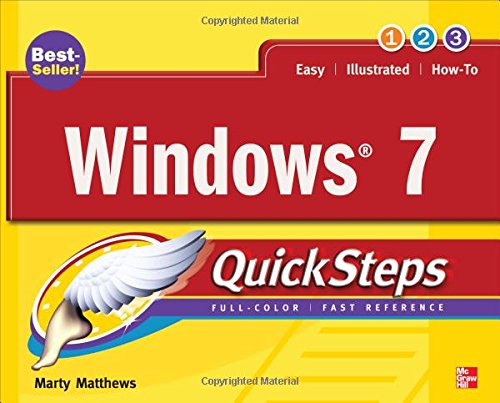
Windows 7 QuickSteps
by Marty Matthews
Get started using Windows 7 right away--the QuickSteps way. Color screenshots with streamlined explanations show you how to use all the new and improved features of this sleek operating system. You'll find tips for customizing your desktop, managing files, connecting to the Internet, using email, adding hardware and software, and enjoying photos, music, and video. Learn how to set up a wired or wireless network and secure your entire system too. Get the book that gets you up-and-running on Windows 7 in no time.
Use these handy guideposts:
- Shortcuts for accomplishing common tasks
- Need-to-know facts in concise narrative
- Helpful reminders or alternate ways of doing things
- Bonus information related to the topic being covered
- Errors and pitfalls to avoid
Discuss Windows 7 QuickSteps with other readers
Join or start a book club for Windows 7 QuickSteps on Readfeed. Live chat, shared reading progress, and AI discussion questions — free to get started.
Frequently asked questions
How do I join a book club for Windows 7 QuickSteps?
Sign up free on Readfeed, then browse public clubs or start your own club with Windows 7 QuickSteps as the current read. Invite friends with a share link and discuss together with live chat and AI discussion questions.
Can I discuss Windows 7 QuickSteps with other readers online?
Yes. Readfeed book clubs let you chat live, share progress, and join discussions about Windows 7 QuickSteps with readers worldwide — whether your club is virtual, in-person, or hybrid.
Is Readfeed free?
Yes. Creating an account and joining book clubs is free. Sign up to find readers who love the same books and start discussing today.