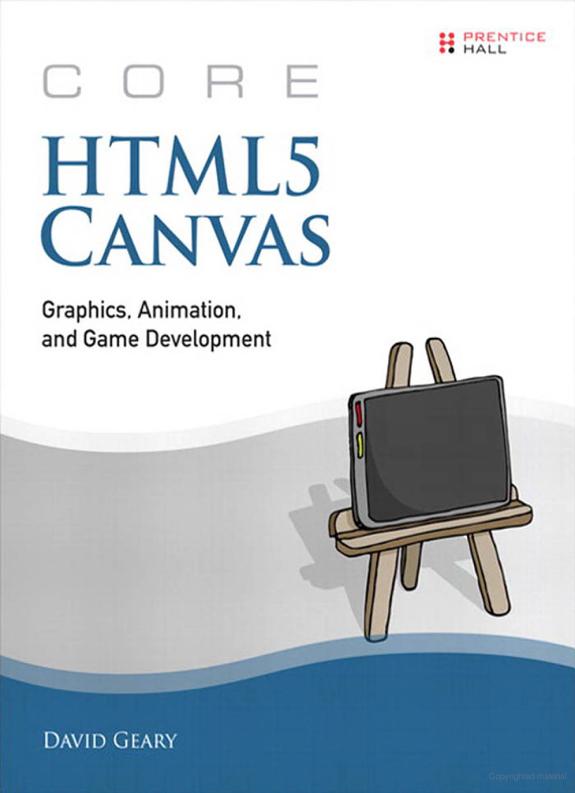
Core HTML5 Canvas
Graphics, Animation, and Game Development
by David Geary
752 pages· 2012· ISBN 9780132761666
About
One of HTML5’s most exciting features, Canvas provides a powerful 2D graphics API that lets you implement everything from word processors to video games. In Core HTML5 Canvas , best-selling author David Geary presents a code-fueled, no-nonsense deep dive into that API, covering everything you need to know to implement rich and consistent web applications that run on a wide variety of operating systems and devices. Succinctly and clearly written, this book examines dozens of real-world uses of the Canvas API, such as interactively drawing and manipulating shapes, saving and restoring the drawing surface to temporarily draw shapes and text, and implementing text controls. You’ll see how to keep your applications responsive with web workers when you filter images, how to implement smooth animations, and how to create layered, 3D scrolling backgrounds with parallax. In addition, you’ll see how to implement video games with extensive coverage of sprites, physics, collision detection, and the implementation of a game engine and an industrial-strength pinball game. The book concludes by showing you how to implement Canvas-based controls that you can use in any HTML5 application and how to use Canvas on mobile devices, including iOS5. This authoritative Canvas reference covers The canvas element—using it with other HTML elements, handling events, printing a canvas, and using offscreen canvases Shapes—drawing, dragging, erasing, and editing lines, arcs, circles, curves, and polygons; using shadows, gradients, and patterns Text—drawing, positioning, setting font properties; building text controls Images—drawing, scaling, clipping, processing, and animating Animations—creating smooth, efficient, and portable animations Sprites—implementing animated objects that have painters and behaviors Physics—modeling physical systems (falling bodies, pendulums, and projectiles), and implementing tweening for nonlinear motion and animation Collision detection—advanced techniques, clearly explained Game development—all aspects of game development, such as time-based motion and high score support, implemented in a game engine Custom controls—infrastructure for implementing custom controls; implementing progress bars, sliders, and an image panner Mobile applications—fitting Canvas apps on a mobile screen, using media queries, handling touch events, and specifying iOS5 artifacts, such as app icons Throughout the book, Geary discusses high-quality, reusable code to help professional developers learn everything they really need to know, with no unnecessary verbiage. All of the book’s code and live demonstrations of key techniques are available at corehtml5canvas.com.
Discuss Core HTML5 Canvas with other readers
Join or start a book club for Core HTML5 Canvas on Readfeed. Live chat, shared reading progress, and AI discussion questions — free to get started.
Frequently asked questions
How do I join a book club for Core HTML5 Canvas?
Sign up free on Readfeed, then browse public clubs or start your own club with Core HTML5 Canvas as the current read. Invite friends with a share link and discuss together with live chat and AI discussion questions.
Can I discuss Core HTML5 Canvas with other readers online?
Yes. Readfeed book clubs let you chat live, share progress, and join discussions about Core HTML5 Canvas with readers worldwide — whether your club is virtual, in-person, or hybrid.
Is Readfeed free?
Yes. Creating an account and joining book clubs is free. Sign up to find readers who love the same books and start discussing today.